


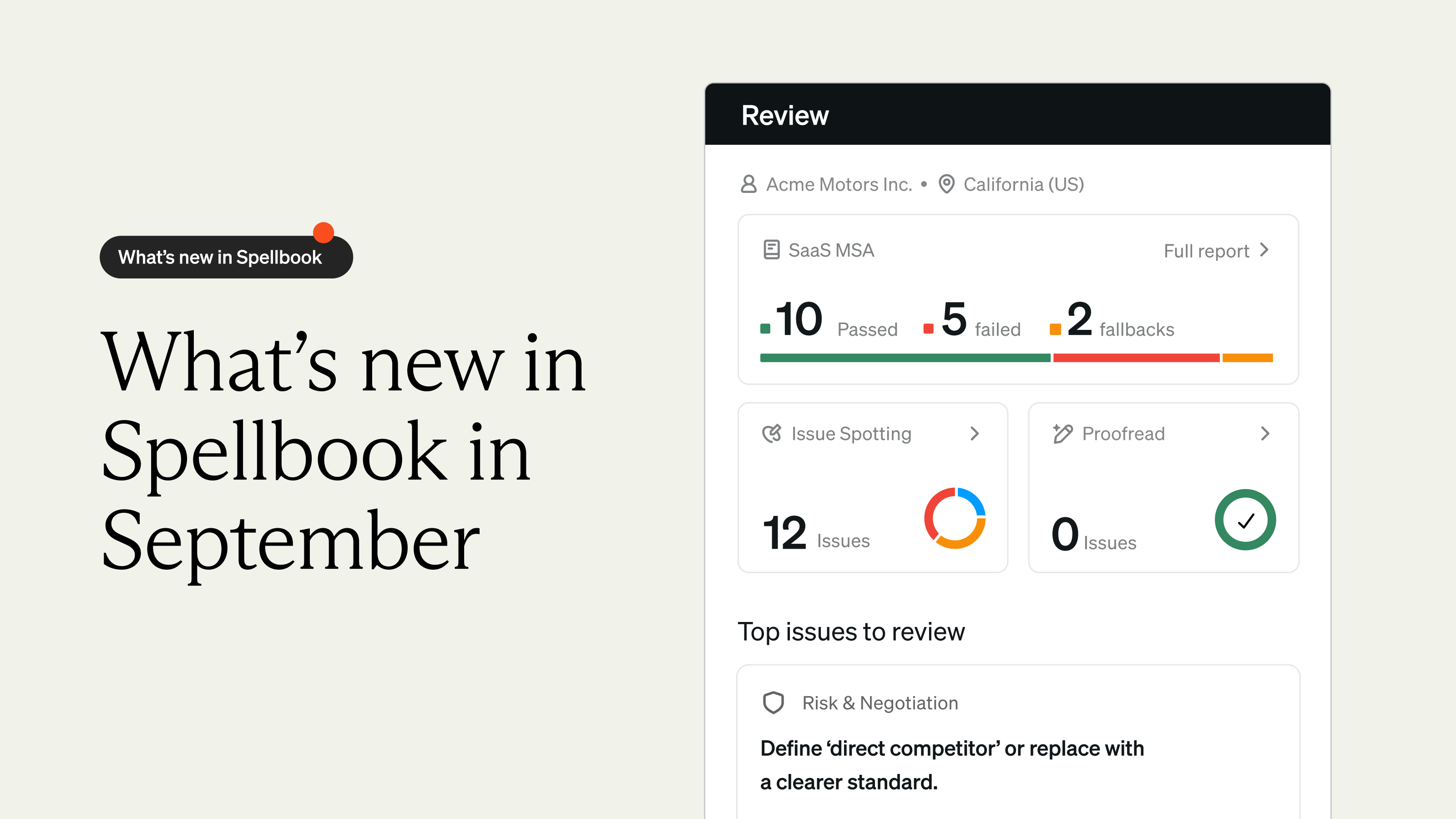
We released eight updates across the Spellbook product suite, including one of our biggest integrations to date and a long list of upgrades for Playbooks, Reviews, and Associate.
So with that, let's get into it.
Playbooks got their own assistant
With Playbooks, you've got a brand new way to build and tune them without leaving the editor.
Playbook Editor Assistant
Building or refining a Playbook used to mean a lot of manual clicking, formatting, and second-guessing whether a rule was structured the way you wanted.

With the Playbook Editor Assistant, you can now chat with your Playbook directly inside the editor. Ask it to add a rule, refine a fallback position, or restructure a section and watch the changes happen live.
Note: With Playbook Version History, every change to a Playbook is tracked so you can see what was updated, when it was updated, and restore a previous version if needed.
Reviews got tighter and easier to act on
With Reviews, every comment is now sharper and more focused on the why behind the change.
Shorter Review Comments
AI-generated comments can get a bit too wordy. Long-winded explanations of what changed when what you really wanted to know was why.
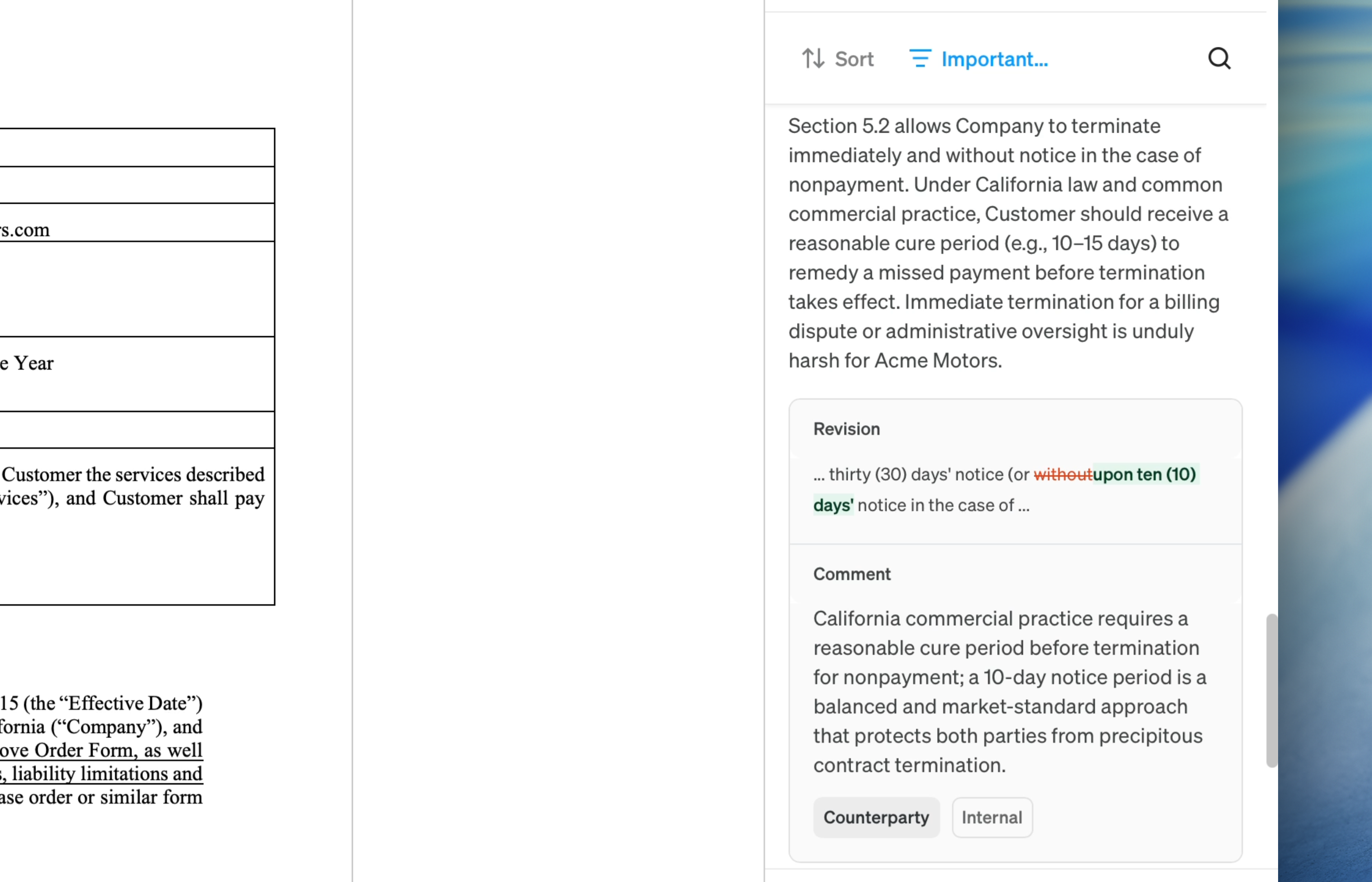
With Spellbook's comment generator, every review comment now focuses on a concise "why" for the change instead of the "what" cutting wordiness by over 50% on average so you can move through reviews faster.
Associate now works the way you do
With Associate, you can now tell it exactly how you want it to talk to you, follow up on files without ambiguity, and build multi-step workflows that feel structured.
Tone & Style Settings Page
Everyone has their own preferences for how they want their AI to write, whether that's keeping things concise, leaning more formal, or steering clear of em dashes.

With the new Tone & Style settings page, you can configure your response style (Default, Concise, or Detailed) and tone (Professional, Friendly, or Direct). You can also add custom instructions, like "always respond in French" or "never use em dashes." Configure it once and it’ll apply across every conversation and edit.
File Cards & Rich Text Formatting in Chat
When you uploaded multiple files into a conversation, follow-up messages like "make changes to this document" left Associate guessing which file you meant.

Files now appear as clickable cards directly inline in your chat, and Associate ties follow-up messages to the file most recently added, so it always knows what you mean.
Note: Clicking any file card will open the doc in the viewer and you can now use ⌘B and ⌘I to bold or italicize text.
Multi-Step Workflows Update
Building a multi-step workflow that asks for a file or a piece of input used to mean carefully crafting a prompt and hoping Associate asked for it correctly at the right moment.
With the new File Upload and Question steps, workflows now ask for files or input at the right point in the chat every time so you get a structured, predictable workflow that runs exactly how you built it.
Spellbook plays nicer with the tools you already use.
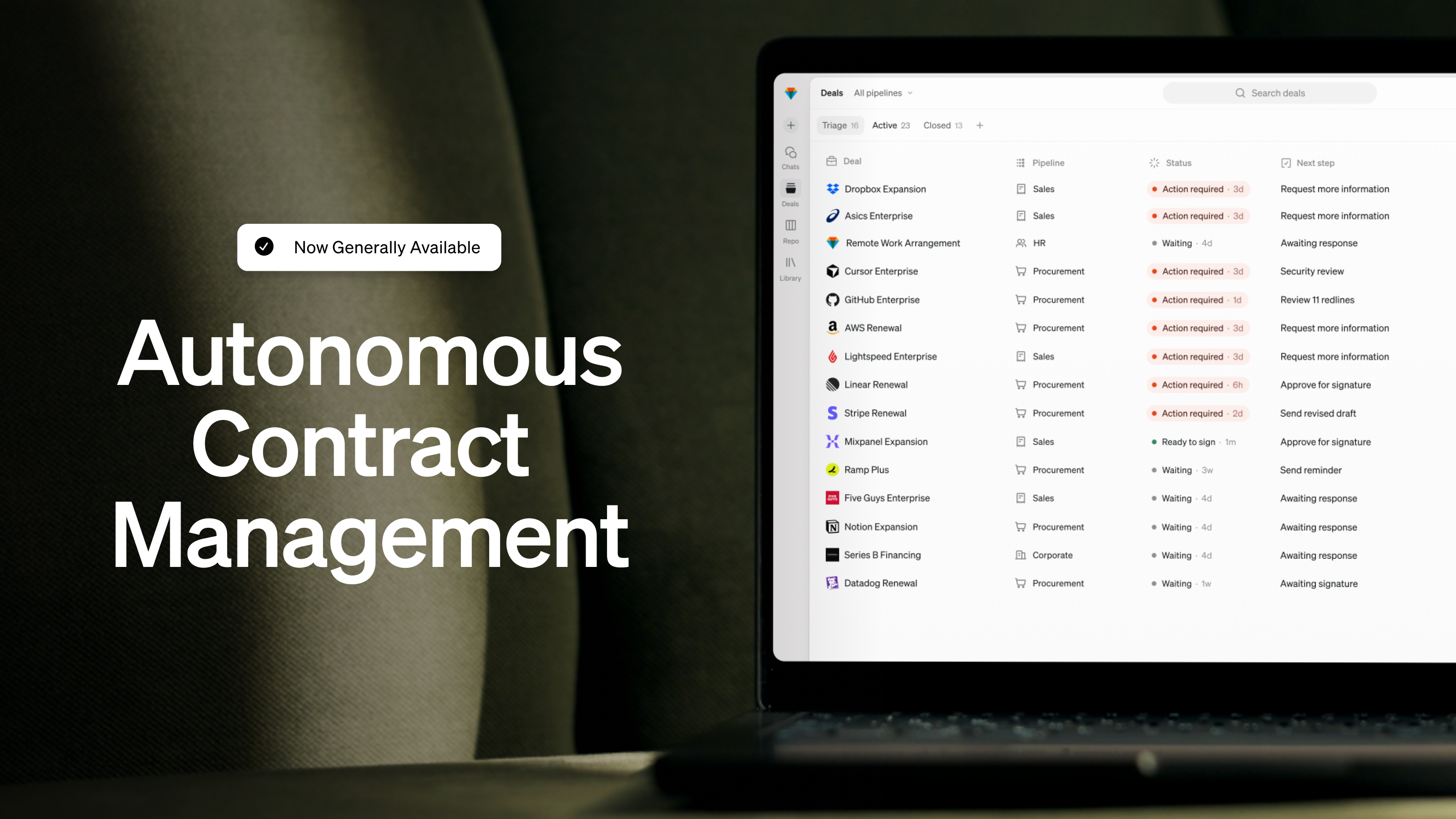
Your team's contracts live across your tech stack. This month, we made it easier to bring them into Spellbook and easier to manage the tools you’ve already connected.
iManage Integration
You're working on a deal and you need context from a similar agreement your team negotiated last year. That used to mean digging through iManage, downloading the file, and uploading it into Spellbook.
With Spellbook's iManage integration, you can now select the files you need from inside Spellbook, ask your question, and get answers grounded in your team's contract history with citations back to the source.
Manage Integrations Without Leaving Word
Fixing a glitchy connection or refreshing a sync used to mean heading over to the Associate app or manually deleting document stores.
.png)
With the new Integrations page in the Add-In settings menu, you can now connect or disconnect your integrations directly in Word.
Permissions that scale with your team
Whether your legal team is 20 people or 200, the right people need the right access.
Role-Based Access Controls (RBAC)
As your team grows, managing who can access, create, and share resources can get messy.
With Role-Based Access Controls, you've got granular roles and team sharing across every Spellbook resource so your team gets the access they need.
[cta-1]
And that's a wrap on April.
Eight updates across the Spellbook product suite, including the iManage integration we know so many of you have been waiting for. May is already shaping up to be just as packed, so stay tuned for what's next.
Already a Spellbook customer? Reach out to our support team or your CSM if you have any questions.
Not using Spellbook yet? Join the 4,000+ teams using the most complete AI suite for commercial legal work.
Download the Report
Thank you! Check your primary inbox or promotions tab for the report.
.jpg)

Submission Received
Thank you for your interest!
.svg)
