


Today we're launching an integration between Spellbook and Docusign.
Select the contracts you want signed and Spellbook sends the Docusign envelope to your counterparty. When everyone has signed, all documents sync back to the related deal in Spellbook and get stored in your repository automatically.
Here’s how it works.
Send contracts for signature
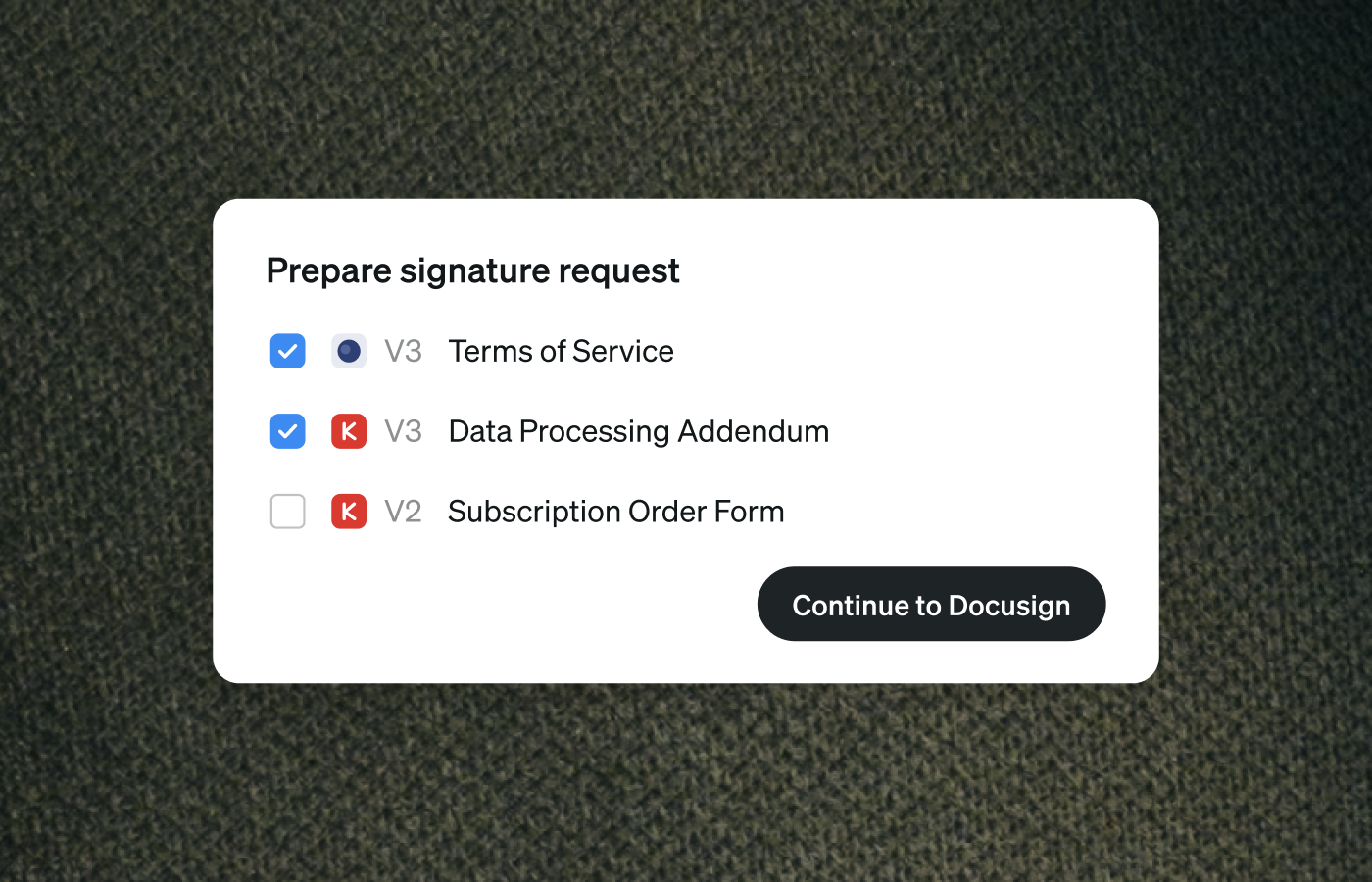
Select the contracts you want to send out for signature in your deal workspace. When you click "Continue to Docusign", Spellbook will create the Docusign envelope and send it directly to your counterparty.
Signed contracts sync back to Spellbook
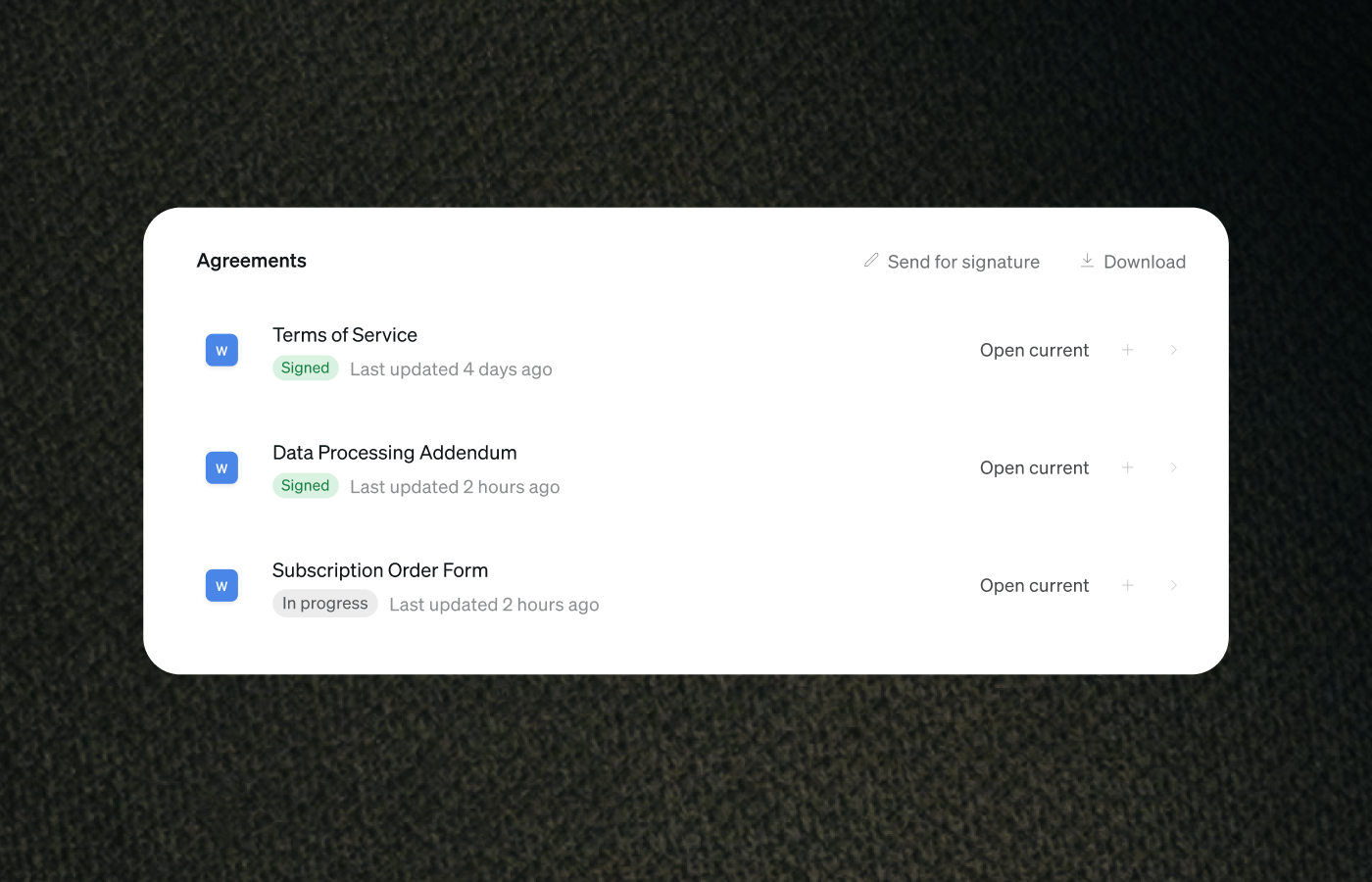
When everyone has signed, all completed documents sync back into the deal in Spellbook. Now let’s say for any reason that signed copies come in by email instead. Spellbook’s intake agent will still pull them in automatically so no document ever goes missing.
Signed contracts get stored automatically
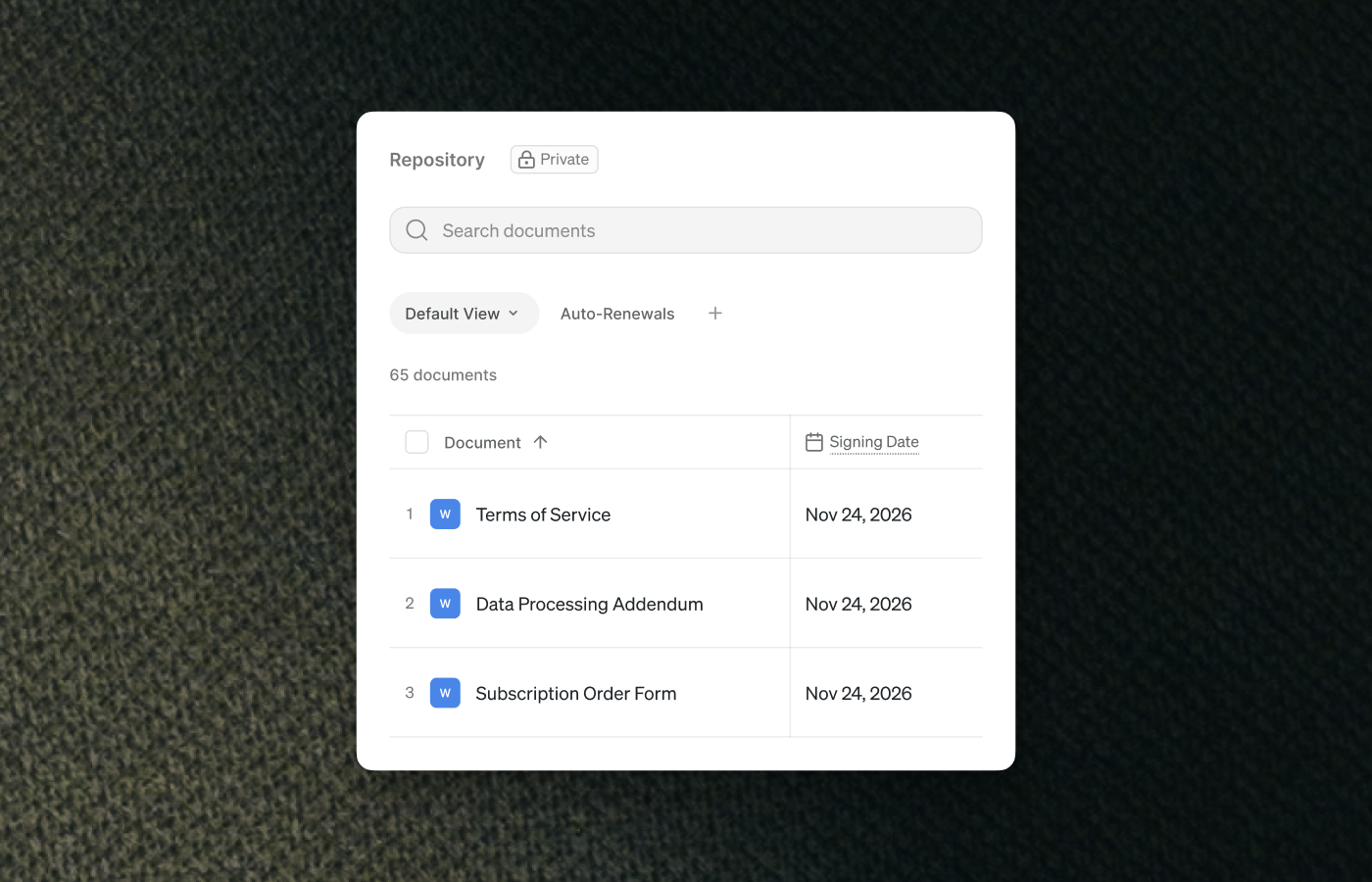
Instead of manually filing signed contracts, Spellbook can add them directly to your repository so your full contract history stays in one place.
Spellbook is an official Docusign partner and this integration is available now. Get a demo at spellbook.com/acm.
Download the Report
Thank you! Check your primary inbox or promotions tab for the report.

Submission Received
Thank you for your interest!

